
How to safely clean your CDs before selling them
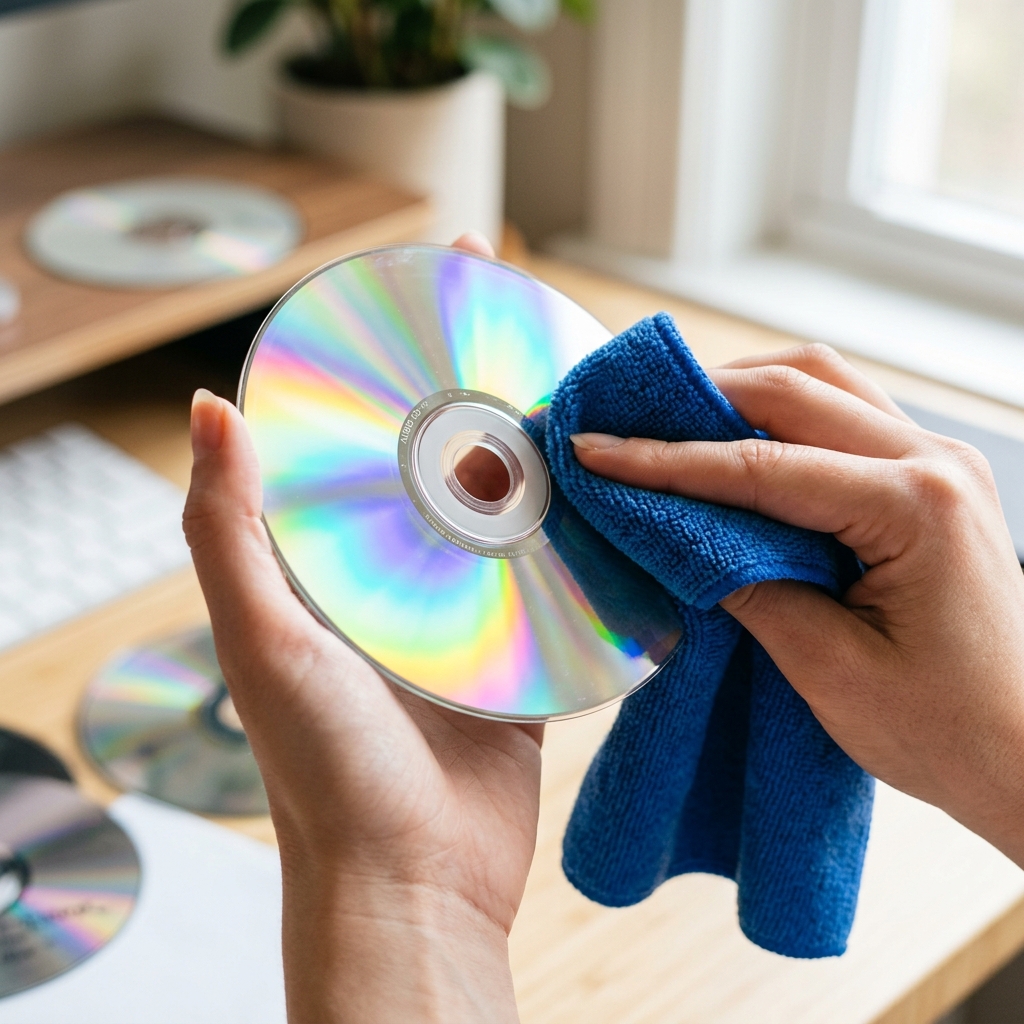
Selling your old CD collection is a fantastic way to declutter and make some extra money. However, presenting discs covered in greasy fingerprints, dust, and smudges will instantly decrease their grade and your payout. Cleaning CDs seems simple, but using the wrong technique can cause permanent damage.
The Anatomy of a Compact Disc
To understand how to clean a CD, you must understand how it's built. A CD is a piece of polycarbonate plastic. The actual data is etched onto a microscopic layer of aluminum foil that sits just beneath the top printed label. The thick plastic on the bottom is just a protective layer.
This means the top of the CD is actually more fragile than the bottom. A deep scratch on the bottom can sometimes be polished out, but a scratch on the top that damages the foil destroys the data forever.
The Correct Cleaning Technique
Follow these steps to safely restore your CDs to pristine condition:
- Use Isopropyl Alcohol: A mixture of 50% distilled water and 50% isopropyl alcohol is the safest cleaning solution. Avoid harsh household cleaners or window sprays.
- Microfiber is King: Never use paper towels, tissues, or your t-shirt. Wood fibers in paper products will cause microscopic scratches (scuffs). Always use a clean microfiber cloth.
- Wipe Radially, Not Circularly: This is the most crucial rule! Never wipe a CD in a circular motion following the tracks. Always wipe from the center hole straight out to the edge. If a microscopic scratch occurs radially, the laser can read past it. If it occurs circularly, it destroys consecutive data bits, causing the disc to skip.
Frequently Asked Questions (FAQ)
Can I use toothpaste to fix scratches?
While it's a popular internet hack, toothpaste is an abrasive. It might smooth out a deep scratch enough for a disc to read once, but it dulls the plastic and ruins the resale value. Stick to professional resurfacing machines if a scratch is severe.
What about the sticky residue on the jewel case?
For price tag residue on the plastic case, use a small dab of Goo Gone or cooking oil. Remove the paper booklet first to avoid staining it!
Ready to Sell?
Now that your collection is gleaming, it's time to cash in. Download the SpinCash app, scan the barcodes of your freshly cleaned discs, and get instant cash offers.
Ready to clear your shelves?
Download the SpinCash app to get instant cash quotes for your CDs and DVDs.
Get Started